Quick answer
Bring a physical overseas card and some Korean won; get a Tmoney transport card after arrival. Use your card at shops that accept it, keep cash for cash-only stalls and ordinary Tmoney purchase or top-up, and use the transport card for Seoul subway gates and city buses.
You do not need a Korean payment app if your card works. This guide separates paying a shop, loading a transport card and getting cash, so you can prepare the right method for each.
1. Which payment method should you use?
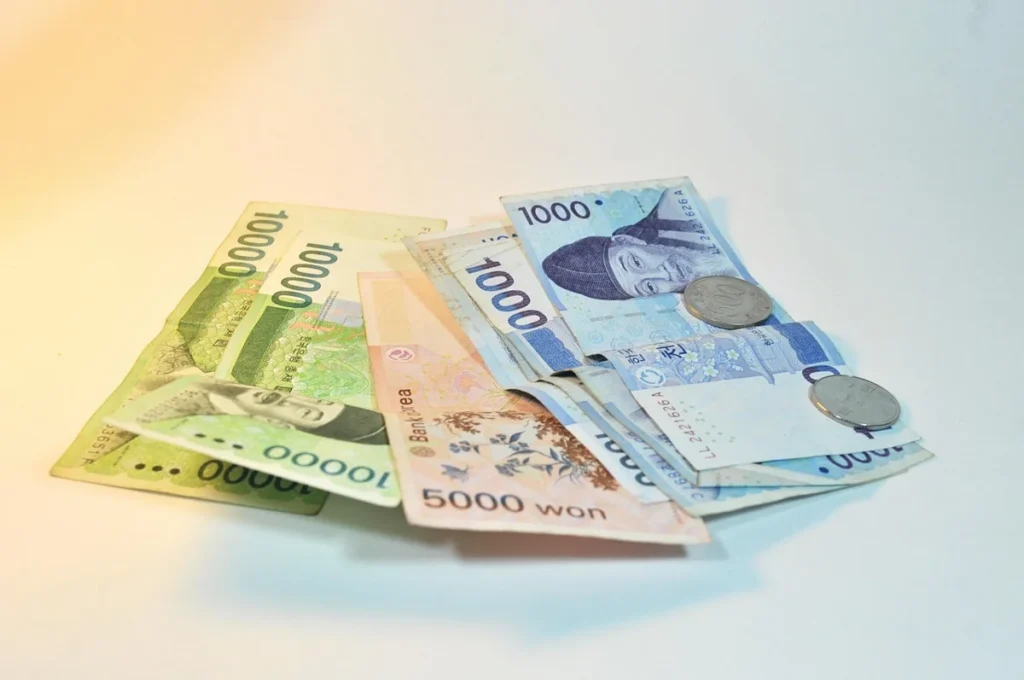
The Korea Tourism Organization describes credit cards as widely accepted in shops, while some market and street vendors take cash only. That makes a card a practical main method, with cash reserved for specific gaps. Official shopping and payment guide.
| Situation | What to prepare | The important distinction |
|---|---|---|
| Shops and a sit-down meal | Your physical overseas card, plus a backup. | A card logo is a starting point. Confirm your card is accepted before ordering if you have no other way to pay. |
| Market stalls and street food | Korean won, preferably smaller notes. | Some stalls are cash-only. Carry cash for the purchases you plan there; do not assume every market stall rejects cards. |
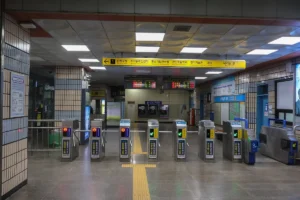
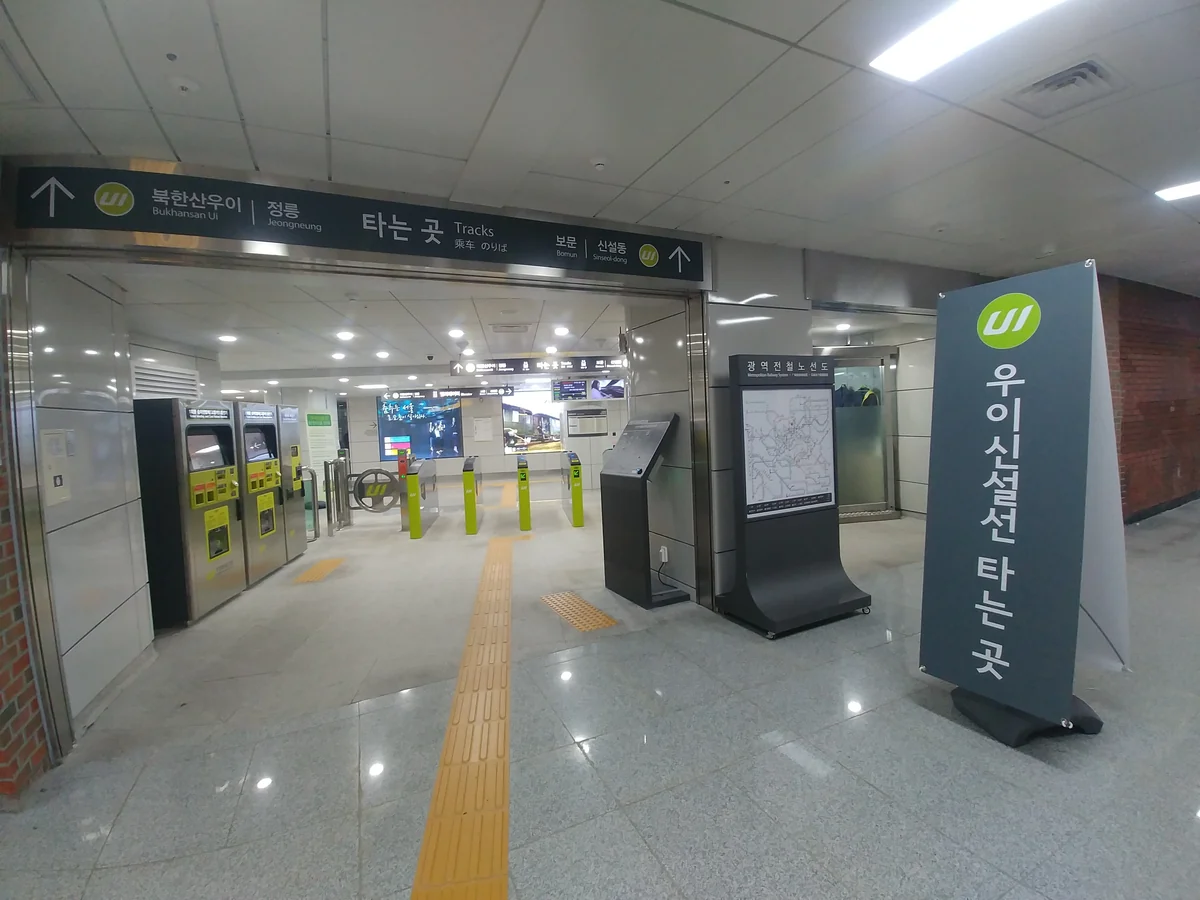
| Seoul subway gates and city buses | Tmoney with enough transport balance. | The official chart directs subway riders to a transport card such as Tmoney. Plan on using that card at the reader; do not assume a foreign bank card replaces it. |
| Buying or topping up Tmoney | Korean won. Buy a card at convenience stores such as GS25 or CU, or a station service desk; top up at convenience stores or stations. | The official chart lists these ordinary Tmoney transactions as cash-only. Supported WOWPASS app transport top-ups are a separate route (section 5). |
| Reserved rail tickets or a taxi | Your overseas card and a supported booking or payment channel. | The official transport guide lists foreign-card payment for AREX/KTX/SRT booking channels and taxi readers. This is not a guarantee for every app, issuer or terminal. |
For your first metro trip, use our Seoul subway guide. Seoul’s March 2026 payment announcement confirms foreign-card payment for single-use tickets at new machines on Lines 1–8; check the displayed service fee. That is ticket purchase, not ordinary Tmoney top-up or credit-card tapping at the gate.
For the store side of your trip, see our first Korean convenience store visit guide.
2. If your card is declined
- Check what happened before paying again. Ask whether the transaction failed or went through, and check your issuer’s record. A pending entry is not by itself proof of a completed purchase.
- Use your backup to complete the purchase. A second physical card or Korean won gives you another option. An unfamiliar payment app is a poor emergency backup if you have not registered or confirmed its supported services.
- Check the card with its issuer. Confirm overseas use, available funds or credit, and any restrictions. A declined payment alone does not tell you whether the problem was the card, terminal or service.
3. Can a tourist use KakaoPay or Naver Pay?
KakaoPay: its official payment FAQ requires a foreign user’s alien registration number and a Korean mobile phone in their own name. Without an alien registration number, a tourist SIM is not enough. Paying through an overseas partner wallet is different from opening a KakaoPay account.
Naver Pay (Npay) has two routes. Its official foreign-member help distinguishes:
- Korean identity verification: a mobile number opened in Korea in your own name, or I-PIN (a Korean online identity credential), enables real-name registration. The help describes domestic Npay services, including in-store payment, using Korean bank accounts or cards.
- Global membership: short-term foreign visitors without those Korean identity tools can join once their status is confirmed. They can use only designated global services and pay only with overseas-issued credit or debit cards.
Tourists are not shut out of Naver Pay, but global membership is limited. This help entry does not identify the included services or confirm global-member access to in-store checkout. Do not plan on using Npay at a shop counter solely because you have global membership.
4. Getting cash and choosing the currency
Use a Global ATM that lists your card network, and confirm your card permits overseas withdrawals. For Visa, the official ATM locator helps you find machines; your issuer sets its own withdrawal limits.
Before accepting a withdrawal, read the machine’s fee and conversion screen. There can be separate ATM, issuer and currency-conversion costs; do not treat one displayed fee as the complete cost.
If a card terminal or ATM offers to charge you in your home currency, choose KRW.
That offer is dynamic currency conversion, which can include a conversion markup. Visa recommends paying in the local currency. Your own card issuer’s foreign-transaction or ATM fees may still apply.
5. Do you need WOWPASS as well?
Choose WOWPASS if you want one prepaid card with both a shopping balance and a Tmoney transport balance. If your own payment card works and ordinary Tmoney covers your transport, you do not need that extra prepaid shopping balance.
The crucial detail is two separate balances: shopping money and Tmoney transport credit. Loading the shopping side does not by itself fund your subway ride.
You can load the shopping balance with cash, a supported international card or an e-wallet. The WOWPASS app also offers transport top-ups on compatible phones. That does not mean the same method works with every ordinary Tmoney card. Check the supported method, fee and credited amount before loading.
Frequently asked questions
How much cash should I carry?
Add up three things: buying and loading Tmoney, the cash-only purchases you plan before your next ATM stop, and a reserve for a declined card. A market-food day needs a different cash budget from a day of card-accepting shops. These are planning categories, not a fixed daily amount everyone must carry.
Can I arrive with only my phone wallet?
Do not rely on it alone: bring your physical card and arrange a transport card too. Check whether the shop supports your phone wallet. Opening a Korean payment app also has the identity and service restrictions described above.
Why did WOWPASS work in a shop but fail at the subway gate?
One possible reason is insufficient Tmoney balance while the shopping balance still has money. Check both separately. If the transport balance is sufficient and the gate still rejects the card, ask station staff; the shopping balance alone cannot diagnose a fare-gate error.
Sources and update date
Updated October 11, 2026: situation-based payment guidance and Npay membership rules. KakaoPay/WOWPASS/DCC facts were checked October 6; Visa ATM guidance October 8. The guidance follows the official sources below.
View sources and references
- Korea Tourism Organization: shopping payment methods and cash-only vendors
- Korea Tourism Organization: transport payment methods by channel
- Seoul Metropolitan Government: March 2026 ticket-machine card payment announcement
- Npay help (Korean): foreign-member eligibility and payment methods—open each FAQ entry
- KakaoPay: official payment eligibility FAQ
- WOWPASS: payment and transport balances
- WOWPASS: supported top-up options
- WOWPASS: compatible-phone Tmoney top-ups
- Visa: dynamic currency conversion choices and fees
- Visa: paying in local currency
- Visa: ATM locator and issuer withdrawal limits