Quick answer
For an English-language order with an overseas card, start with Shuttle. It supports email signup, major international credit cards and PayPal. Enter your delivery address before picking food to see the restaurants serving it. For a Yeouido picnic, use a designated pickup point such as Delivery Zone 2.
For a Han River picnic, meet the courier at the designated delivery zone. A successful payment does not tell the courier which lawn or picnic blanket is yours.
Ordering food in Korea is less about finding the biggest delivery app than making four things work together: your address, a way to be reached, payment method and pickup point. At a Hangang park, that last detail matters as much as the menu.
Start with an option built for visitors
Shuttle is a useful first option if you want English menus and overseas-card payment. Its developer’s current app listing says you can sign up with an email address without a Korean phone number. Phone verification is required for Shuttle credit; the company’s guide also ties coupons and offers to verification.
That means a data eSIM can be enough for the ordinary signup-and-order route. Keep the app and your email available for order updates, and use in-app Live Chat if you need help. A local number can still make courier contact easier.
The deciding factor is your address. Shuttle’s food-delivery coverage is local, so a service in Seoul does not mean every Seoul hotel or Hangang pickup zone is covered. Set the actual delivery location first. Baemin, Coupang Eats and Yogiyo have different signup and checkout flows; the steps below are specifically for Shuttle.
Your first Shuttle order, from signup to pickup
Here is the practical sequence for ordering a meal to your hotel. Keep its Korean street address handy and ask reception which entrance or lobby to use.
- Create an account with your email. Use the English website or Shuttle app. You can use the ordinary email-signup route without adding a Korean number; leave credit and coupon offers aside if they ask for verification you cannot complete.
- Add your delivery address before browsing. Use the hotel’s street address, then check that the selected location matches the property. Add the agreed entrance or lobby and your name in the delivery instructions.
- Choose a restaurant and food. Select required options such as flavor, portion or extras. Review the basket’s food price and delivery fee; the fee changes with distance. An available restaurant at another address is not a promise of delivery to yours.
- Choose payment and review the final total. Shuttle lists major international credit cards and PayPal. Complete any authentication your bank or PayPal requests, then submit the order once.
- Look for the order and email receipt. Shuttle’s FAQ says a receipt is emailed after ordering. Follow progress in the app and be at the agreed handoff point. If confirmation is missing or unclear, contact Live Chat with the order details before trying again.
A useful delivery note: “I will collect in the lobby by the main entrance. Name: [your name].” Replace the location with the hotel’s agreed pickup point. At the Han River, use the designated-zone example below instead of a hotel address.
If your bank shows a charge but the order is missing, check the receipt and contact support before placing a second order. For allergies, ask the restaurant about the ingredients before ordering; a translated dish name is not enough.
At a hotel: agree on the handoff first
Ask reception whether outside food is allowed and where deliveries should be collected. A courier may not be allowed upstairs. Use the property’s Korean address, the correct entrance and a reachable contact method; a hotel name alone can be ambiguous.
Do not enter a hotel’s phone number or promise that reception will pay or collect an order without asking. If you request staff help, agree on the order, total and payment arrangement first. Assistance depends on the property.
Short instructions you can show or adapt
The pronunciation lines are approximate guides for English speakers. Show the Korean text if needed.
A lobby handoff is often easier than leaving food unattended. Agree on the pickup point, keep the app available and collect promptly.

At the Han River: a Yeouido pickup example
Order to a designated delivery zone, collect the food there, then carry it to your picnic spot. Seoul’s official delivery-zone notice explains that delivery motorcycles cannot enter the park interior. A zone is a meeting point, not an address that guarantees every delivery app serves it.
Where to meet: Yeouido Delivery Zone 2
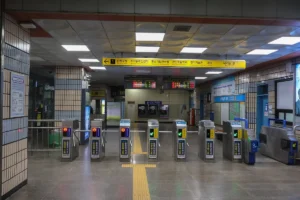
Use Yeouinaru Station (Line 5), Exit 2 as your arrival landmark. The official facility listing places 여의도 배달존2 in front of Yeouido park shop No. 2 (여의도2호매점), upstream of the southern end of Mapo Bridge. Meet at the delivery zone in front of the shop, not at the subway exit itself.
- Korean place name to copy: 여의도 배달존2
- Official location: 서울 영등포구 여의도동 84-4 (84-4 Yeouido-dong, Yeongdeungpo-gu, Seoul). This is the facility’s lot address; use the zone name and map to identify the actual meeting point.
- Open the location: official Zone 2 facility map · Kakao directions linked by the park authority (choose walking directions when planning your route).
The official map listed this zone as operating when checked on October 11, 2026. Follow any closure signs on the day. If you use Exit 3 instead, the notice lists Zone 1 by the Yeouido park access passage (여의도나들목); it is a different pickup point. The notice also lists other Yeouido zones; Zone 2 is the example used here.
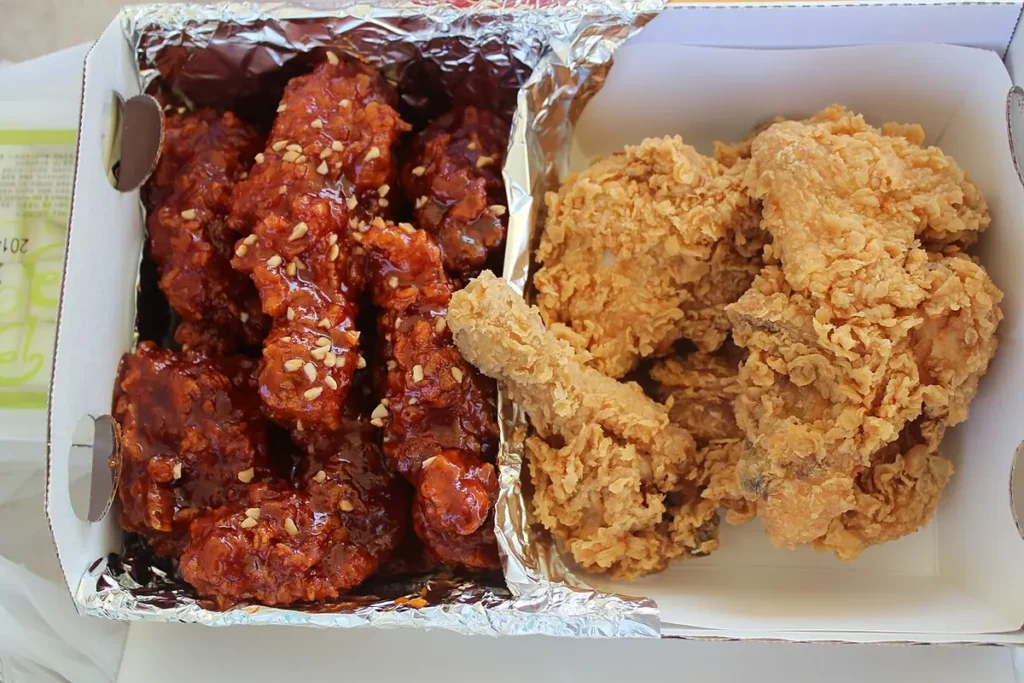
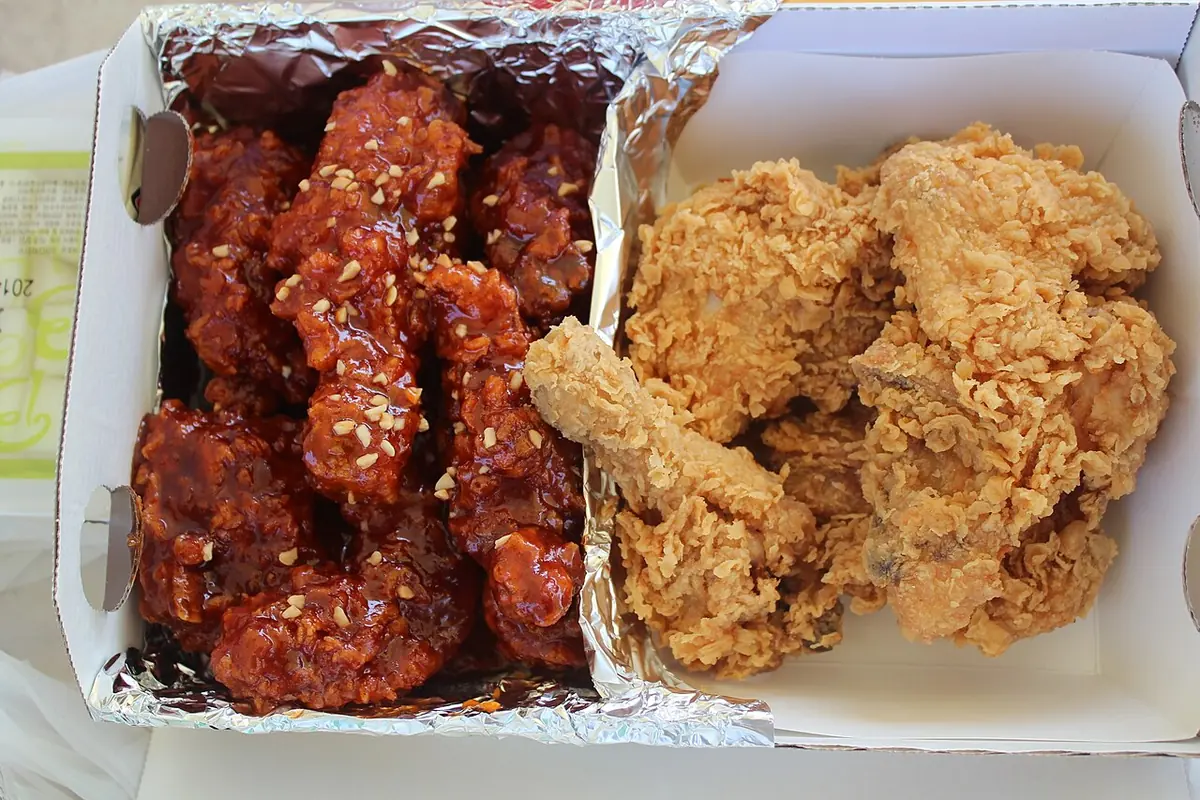
Example: ordering chicken for a Yeouido picnic
Use this example sequence to plan your pickup.
- Find Zone 2 first. Walk to the official pickup zone in front of Shop No. 2 and compare the location with the official map. Save the zone name and map location before settling on a lawn.
- Set that same location in your delivery service. Search the Korean place name above and compare any result or pin with the official map. If the service cannot identify or accept that meeting point, ask its support before paying or choose takeaway. Do not substitute a nearby shop’s address without agreement.
- Choose the food and complete checkout. Check portions, required options, the full price and your reachable contact details. In a delivery-instructions field, use the pickup sentence below. It supplements the selected location; it does not replace it.
- Confirm once, then meet there. Keep the order number and watch the app’s progress. Be at the zone for the handoff, answer the courier through a contact method you can use, and check the order number or recipient name before taking a bag.
- Carry your food to the picnic area. Leave the pickup space free for other people. Use the appropriate waste bins or take the packaging away.
Pickup instruction for this example
Approximate pronunciation for English speakers:
If the courier cannot find you: send the zone name and the visible landmark through the service, and stay at that agreed point. If you need to move, agree on the new meeting place first. A picnic blanket’s map pin is not a substitute for the designated pickup zone.
For another park, use the zone list in the same official notice. Check the current Hangang notices for event or closure changes. If signup, contact details or payment still do not work, buy takeaway or use our convenience-store picnic guide before entering the park.
If signup, payment or delivery fails
| Problem | Next step |
|---|---|
| No verification code | For Shuttle credit or coupons, verification may be the missing step. Try an ordinary order without those benefits; use Live Chat for account-specific help. Other apps have their own rules. |
| Card declined | Shuttle lists major credit cards and PayPal; its FAQ specifies Korean-issued debit cards. If an overseas card fails, complete any bank authentication or try PayPal. |
| No restaurants at the pin | Confirm the address and opening hours. Try an appropriate nearby pickup location only if you will actually wait there. |
| Courier cannot find you | Use a visible entrance or designated zone, send the exact location through the service and stay there. |
| You are hungry now | Choose nearby takeaway or a staffed convenience store. Keep the delivery experiment for another time. |
Keep order problems inside the service’s support process. Do not send an extra transfer just because an unexpected message claims your order needs one.
Questions visitors ask
Can I drink beer anywhere in a Hangang park?
Do not treat a picnic area as blanket permission to drink. Alcohol restrictions depend on the designated area and current rules. Look for 금주구역 (alcohol-free zone) signs and check with park staff before opening a drink if the location is unclear. The national rules provide for marked alcohol-free zones; check the rules for the lawn, playground or event space you plan to use.
Can I order with only a data eSIM?
Yes, Shuttle’s email-signup route does not require a Korean phone number for ordinary ordering. You still need a supported delivery address and payment method. Phone verification applies to Shuttle credit, and its guide also requires it for coupons and offers. Keep email and the app available for updates and support.
Will the courier always bring it to my room or blanket?
No. Hotel access rules and park pickup zones can require you to meet outside. Arrange the handoff before paying.
Sources and review
Shuttle signup, payment and ordering guidance checked October 30, 2026. Yeouido pickup details retain their October 11, 2026 check date. The hotel sequence is a planning example, not a completed order.
View sources and references
- Shuttle developer listing — Email signup, optional phone verification, international cards, PayPal and Live Chat; app page updated October 21, 2026.
- Shuttle’s visitor guide — Credit/coupon verification and address-dependent food delivery.
- Seoul Hangang: delivery-zone locations and collection rules — Official notice updated October 1, 2026 (Korean).
- Yeouido Delivery Zone 2: official facility listing — Shop No. 2, lot address and linked directions; checked October 11, 2026 (Korean).
- Shuttle Delivery FAQ — Email accounts, order steps, distance-based delivery fees, card support and email receipts.
- Shuttle privacy policy — Contact information used for service delivery.
- Seoul Hangang official notices — Delivery-zone announcements and changing park arrangements (Korean). Search for 배달존.
- Official alcohol-free-zone signage rules — The legal sign for designated alcohol-free areas; not a map of where drinking is permitted.
Prefer eating out? Read your first Korean restaurant visit. For a simpler picnic, start with the convenience-store guide.