Quick answer
For a solo Korea trip, start with a data eSIM if your phone is unlocked and supports it. KT lists a seven-day Data eSIM at ₩35,000; its seven-day physical SIM with a voice allowance is ₩40,500. A pocket WiFi is worth comparing when you will stay together: seven charged rental days at KT’s daily rate total ₩30,800 for the device.
Need to call restaurants or your hotel? Pick the voice option and complete the airport entry check. No eSIM support? Choose a compatible physical SIM. If your phone is carrier-locked, use pocket WiFi or your home carrier’s roaming. The important difference is what the plan includes—not whether the SIM is plastic or digital.
You’ll want a map, a translator, and a taxi app working before you’ve even left the airport — but the connectivity option that’s cheapest and fastest to set up isn’t always the one that actually covers what you need later in the trip. Start with what you need the phone to do, then choose a plan that provides it.
1. The three options, and what each one actually is
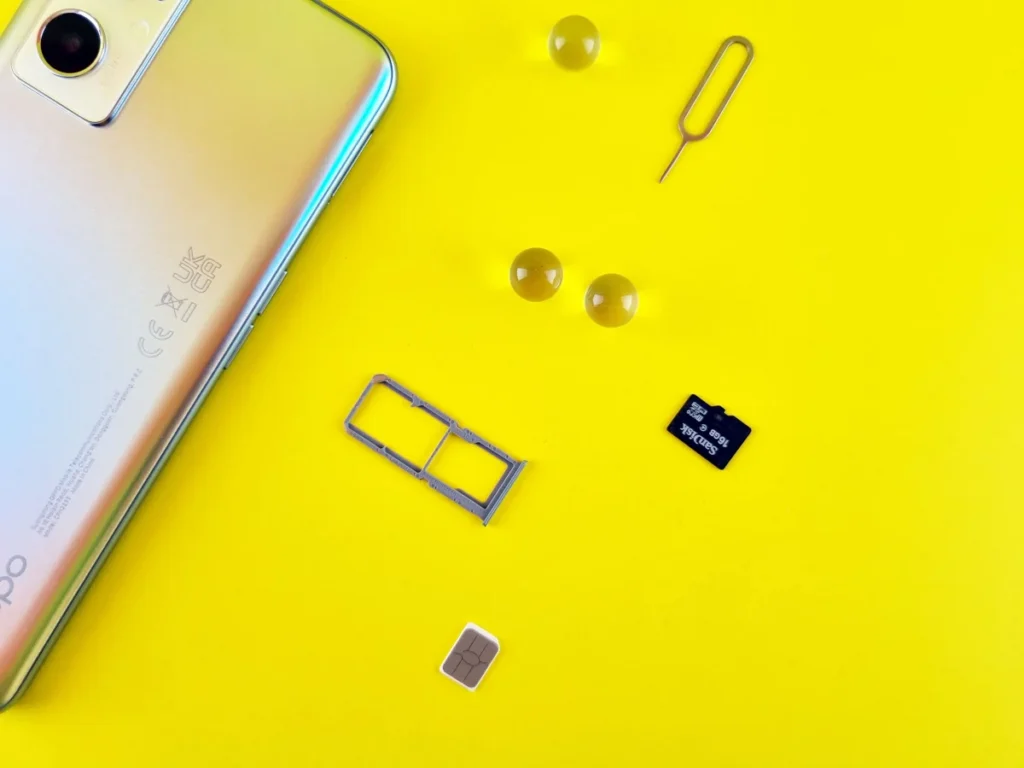
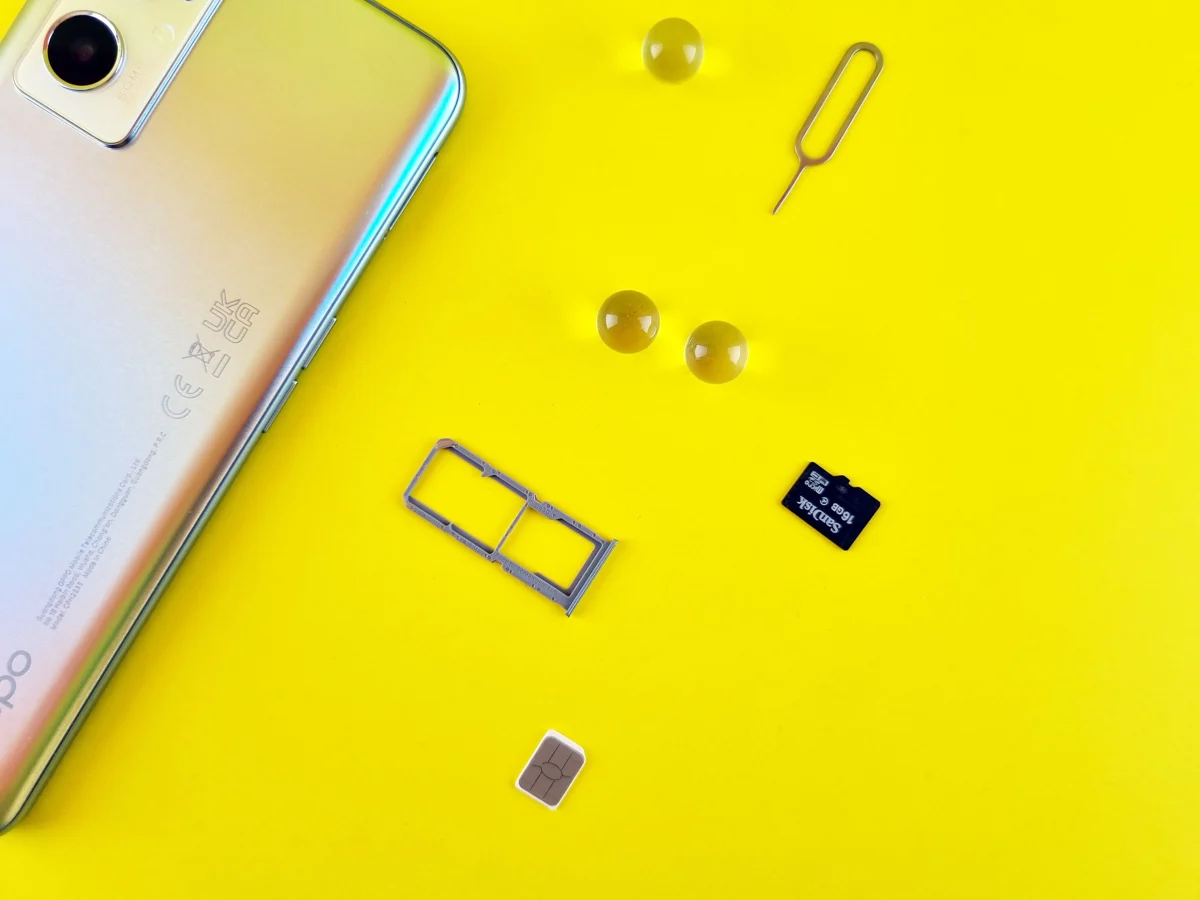
- eSIM — a digital SIM profile. A compatible, unlocked phone and a supporting provider are required. Follow the provider’s installation and activation instructions; do not assume that every plan starts only when you land.
- Physical SIM — a removable SIM card for a compatible phone. Having a physical card does not by itself establish which calls, texts or verification services the plan supports.
- Pocket WiFi (WiFi egg) — a rented portable router shared by your devices. Compare its connection limit, battery needs, total rental cost and collection/return instructions.
2. Who should actually pick which one
- Solo traveler, mainly maps and messaging: start with a data-only eSIM if your phone is unlocked and supports it. If your home plan already includes Korea, compare that allowance and total cost before buying another plan.
- Need calls, texts or an app verification code: check that the exact plan supports the required service. A working number does not guarantee eligibility for every app.
- Group staying together: compare one pocket WiFi with separate mobile plans. Remember that anyone who leaves the group also leaves the shared connection.
- Phone without eSIM support: consider a compatible physical SIM, pocket WiFi or your home carrier’s roaming service.

3. Three concrete options for a one-week trip
These are KT’s official listed prices, checked October 30, 2026, with VAT included. Using one carrier makes the setup and cost differences easier to see; this is not a cheapest-in-Korea ranking.
Solo traveler: KT Data eSIM — ₩35,000 / 7 days
Buy online and install with a QR code. The plan provides 11GB a day, then continued data at up to 5Mbps; the daily allowance resets at midnight. It includes a 010 number, but incoming calls/SMS need an airport entry check. Outgoing calls/SMS are not available on this Data-only option.
Choose it for: maps, translation and messaging on your own phone, without collecting a plastic card. Your phone must support eSIM and be unlocked. KT marks completed eSIM purchases as non-refundable, so confirm compatibility before paying.
Calls as well as data: KT physical Data & Voice SIM — ₩40,500 / 7 days
Reserve online, then collect at the airport with your passport. The SIM price list includes approximately 60 minutes of calling and the same 11GB-per-day data allowance, followed by up to 5Mbps. After the entry check, outgoing calls and texts use the included voice allowance at KT’s rates; top up on KT’s site when that allowance runs out.
Choose it for: an unlocked phone with a SIM slot, especially if you want to call local businesses. A physical Data-only plan is also listed at ₩35,000 for seven days. KT’s voice-capable eSIM is an airport-counter purchase.
Traveling together: KT WiFi Router — ₩4,400 per charged day
Seven charged days total ₩30,800, or ₩15,400 each if two people split the cost. KT lists unlimited data at 20Mbps for this rental. The router gives your devices internet access, not a Korean phone number.
Choose it for: several devices staying together or a locked phone. You must carry, charge and return the router. KT requires ID and a credit card in the renter’s name for the deposit, with more than three months until expiry. The card must be issued outside Korea; a debit card cannot cover the deposit. Confirm the charged rental dates when reserving.
Our pick: the eSIM is the simpler solo choice. Two seven-day Data eSIMs cost ₩70,000; one router for seven charged days costs ₩30,800, but whoever is not carrying it loses the connection when you split up. Pay for separate connections if you expect separate shopping trips or day plans.
Where to collect at Incheon Airport
- Terminal 1, arrivals floor 1F: KT lists a 24-hour counter near Arrival Hall F, opposite Exit 13. The counter near Hall A, opposite Exit 2, is listed as 06:00–22:00.
- Terminal 2, arrivals floor 1F: the counter near Arrival Hall A, opposite Exit 4, is listed as open 24 hours.
Bring your passport and booking confirmation. For a router, also bring the credit card required for the deposit and agree on its return counter and rental dates. The KT counter map shows both terminals. These counter locations and hours were checked October 30, 2026.
4. The Korean phone number problem
A Korean 010 number can receive ordinary calls or messages after the required entry check, but KT’s tourist SIM/eSIM does not support Korean personal identity authentication. That is the resident-identity step some services ask for; buying a voice plan will not unlock it.
For food, Shuttle offers an email-signup route with international-card payment. For taxis, our taxi guide explains visitor options. Choose the apps for your trip before paying extra for a number.
5. Setup details worth knowing before you land
- Tethering/hotspot: check your chosen plan’s allowance and restrictions before using it to connect another device.
- Install on a reliable WiFi connection. KT says its QR code must be installed within 90 days of purchase and can be installed only once. Keep the installed eSIM profile; deleting it does not produce a replacement QR code. Follow the installation and start-time instructions sent with your booking.
- Check both lines’ roaming settings. If you keep your home line on for calls or messages, confirm the charges with your home carrier and select the intended data line.
Practical tip
List the apps you need before buying. Check their contact and verification requirements, then choose a plan that meets those needs. Buying a second plan later is not automatically cheaper.
Six apps to set up before your Korea trip
Once your connection is sorted, save your hotel’s Korean address and get these apps ready. They cover familiar tasks with options you can use in Korea.
- NAVER Map: look up places and plan walking or subway routes.
- Papago: translate signs, menus and short conversations.
- k.ride: book a taxi through an English interface.
- CATCHTABLE Global: use the international version for restaurant reservations.
- Shuttle: order food in English at supported addresses. See our signup-to-payment walkthrough.
- KakaoTalk: message local contacts who use it.
Save key addresses before leaving WiFi. Having an app installed is only the first step; setting up the account you need before a busy travel day saves the last-minute scramble.
Frequently asked questions
Do I need an Alien Registration Card to buy a SIM?
For the KT tourist physical SIM described here, a passport is an accepted ID; a Korean residence card is not the only option. Complete the airport entry check if you want the plan’s voice/SMS services. This still does not provide Korean personal identity authentication.
Is a Korean carrier eSIM better than a global reseller like Airalo?
Choose KT’s seven-day Data eSIM at ₩35,000 if you want a 010 number that can receive calls and texts after the airport entry check. If you only need internet, compare a reseller’s total price and daily allowance with KT’s 11GB a day, followed by up to 5Mbps. A lower-priced plan with enough data may suit a light user better.
Can I just use my home country’s roaming instead?
Yes. Check whether your home plan already includes Korea or offers a suitable travel pass. Compare its total cost and allowance with a local plan rather than assuming roaming is always more expensive.
What if my phone doesn’t support eSIM?
Check whether your phone accepts a compatible physical SIM. Pocket WiFi and your home carrier’s roaming service are other options to compare.
Sources and update date
KT prices, plan conditions and airport counters checked October 30, 2026. Examples use the listed rates, not a completed booking.
View sources and references
Primary sources below cover KT plans and airport counters, device requirements and the apps above.
- VisitKorea: English transportation guide and NAVER Map
- NAVER: Papago help
- KakaoTalk: messaging service
- KT: eSIM prices and conditions
- KT: physical SIM prices and collection
- KT: WiFi Router rental
- KT: airport counter locations
- k.ride: taxi service
- VisitKorea: CATCHTABLE Global
- Shuttle: developer’s app description
- Apple: using an eSIM while traveling
- LG U+: tourist SIM/eSIM FAQ
- KT: verification and service conditions